Give your screens some festive spirit! Below are 10 free Christmas wallpapers for 2026 — HD backgrounds of snow-covered cabins, twinkling lights, starry nights and cozy winter scenes for your desktop, laptop or tablet. Every wallpaper is free to download: right-click (desktop) or tap and hold (mobile) and choose Save image. Want images with text to share instead? See our Christmas images 2026 and Christmas pictures with quotes.
Winter Wonderland Wallpaper

Endless white fields and frost-laden trees — calm, bright and unmistakably December. This one works beautifully behind desktop icons because of its soft, uncluttered center.
Snow-Covered Cabin Wallpaper

The most-requested Christmas scene of all: warm lit windows, deep snow and woodsmoke skies. Set it in early December and you will not want to change it until spring.
Starry Night Wallpaper
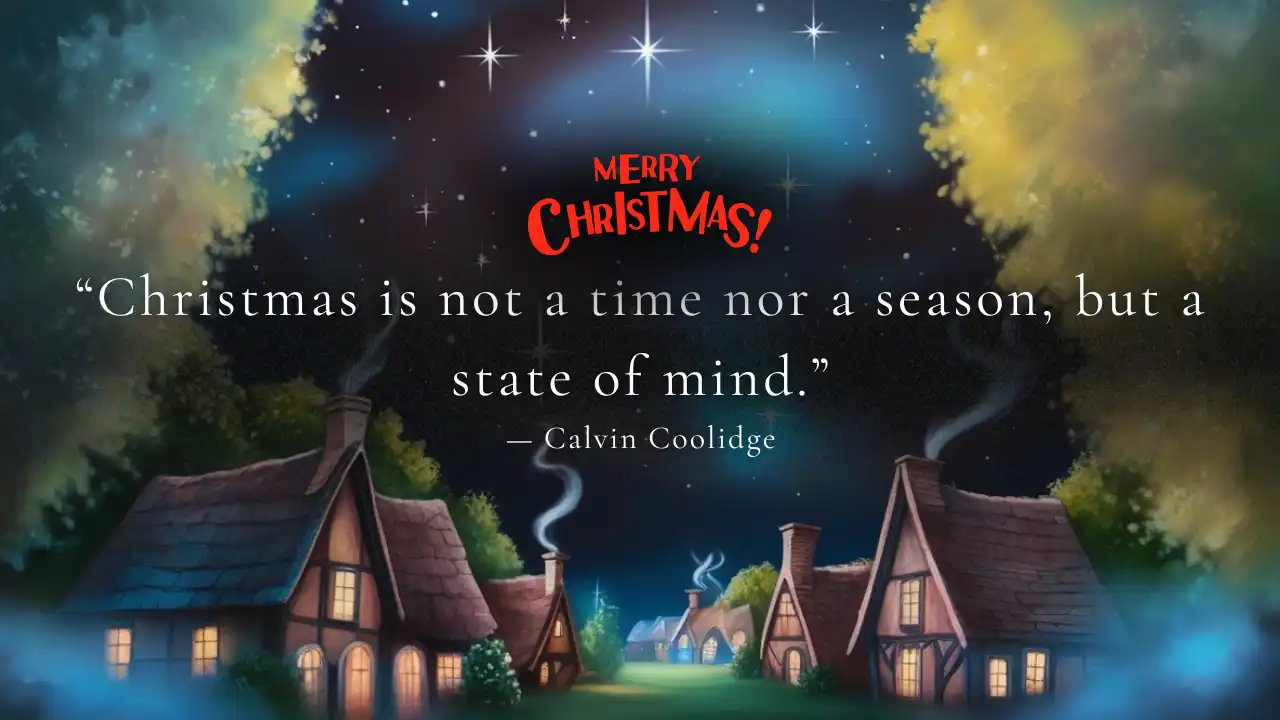
A deep-blue night sky over silent snow. Perfect if you prefer a darker wallpaper that will not glare during evening work sessions.
Twinkling Christmas Lights Wallpaper

Golden out-of-focus fairy lights — festive without being busy. A great match for dark-mode desktops.
Decorated Christmas Tree Wallpaper

A fully decorated tree in warm light. If you only set one Christmas wallpaper this year, it is probably this one.
Candlelit Evening Wallpaper

Low warm light and deep shadows make this the gentlest wallpaper of the set — ideal for night-shift screens and minimal desktops.
Carolers in the Snow Wallpaper

Lanterns, scarves and song — a storybook scene that feels like a Christmas card come to life.
Children Playing in the Snow Wallpaper

Sleds, snowballs and rosy cheeks. A joyful pick for a family computer or the kids’ tablet.
Family Gathering Wallpaper

A table full of people and light — the scene most of us picture when we say “home for Christmas”.
Holiday Baking Wallpaper

Flour, cutters and gingerbread in progress. Set it in baking season and accept the cravings.
How to Set a Christmas Wallpaper
- Windows: save the image, right-click your desktop → Personalize → Background → Browse.
- Mac: save the image, System Settings → Wallpaper → Add Photo.
- Phone/tablet: save the image, open Photos → Share → Use as Wallpaper. These 16:9 images work best on tablets and as lock screens with zoom.
Using a wallpaper app instead? Android users can also check our roundup of the top 10 Christmas wallpaper apps for Android.
Which Wallpaper for Which Screen?
All ten backgrounds are 16:9 landscape, which matches most laptops, monitors and tablets exactly. On phones (which are tall, not wide), set the image as your lock screen with zoom/crop — the cabin, starry night and bokeh lights crops are the most phone-friendly. For dual-monitor setups, pick two scenes with similar tones — winter wonderland plus starry night is a favourite pairing. WebP format keeps each file under 100 KB, so they load instantly and won’t eat storage like PNG wallpaper packs do.
Frequently Asked Questions
Are these Christmas wallpapers free?
Yes — all 10 wallpapers are free to download for personal use on any of your devices.
What resolution are the wallpapers?
They are HD 1280×720 (16:9) WebP images — sharp on laptops, tablets and most desktop monitors, and lightweight so they won’t slow your device.
Can I share these wallpapers with friends?
Absolutely — send them along with a message from our Merry Christmas wishes 2026 collection.
Enjoy the festive screens — and if you’re counting down already, our Christmas countdown is ticking!